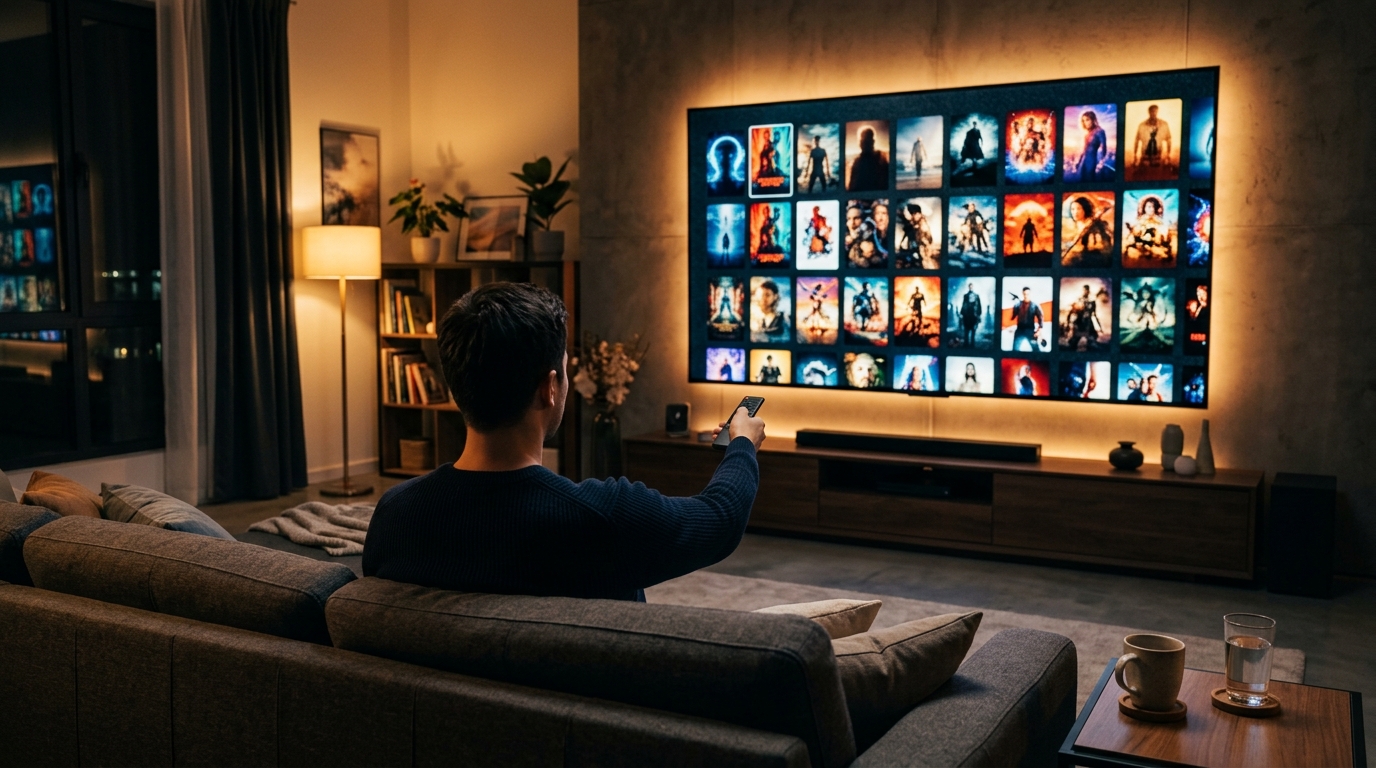
A watchlist works when you split it into four buckets, prune it for five minutes every week, and drop anything you have not promoted in three months. Without those three rules it turns into a pile, and a pile is not a system.
My watchlist hit 200 titles once. Everything that looked remotely interesting went in: the critical darling a friend mentioned at dinner, the 1970s Italian horror film someone posted about at midnight. A month later, I opened the list and felt nothing. None of it sounded right for that particular Tuesday night when I had exactly 90 minutes and wanted something without subtitles.
The problem wasn't the titles. They were all legitimately good. The problem was that I had turned my watchlist into a pile, and a pile is the worst possible format for making a decision under mild fatigue. When everything is equally weighted, nothing feels urgent, and the path of least resistance becomes the sixth rewatch of something you already know.
It pairs well with a tired-night shelf for the evenings when nothing in Priority Now sounds right, and with a faster way to pick a movie when the list is healthy but the decision still stalls. When even five titles feel like too many, the what to watch quiz narrows it to one.
What follows is the system I landed on after thinking too carefully about this: four buckets, a weekly ritual, and one rule that keeps the whole thing from expanding back into chaos.
Why does a watchlist become useless so quickly?
A watchlist without structure is, functionally, a tie for last place. When every title carries equal weight, none of them feels urgent. The 200-item list with no sorting logic produces the exact same paralysis as a blank screen, which is a genuinely remarkable failure mode for a tool designed to eliminate exactly that problem.
There's also a momentum problem. A film you added six months ago meant something to you in a specific context: a friend's recommendation at the right moment, a review you read on a long flight, a trailer that landed exactly when you were in the mood for it. Three months later, that context is gone. The title sits in the list with no explanation of why you wanted it, and nothing to distinguish it from the 180 titles that arrived the same way.
And then there's the streaming problem. A list of 200 titles where 160 require a rental fee or a subscription you don't have is, practically speaking, a list of 40 titles. The other 160 are aspirations masquerading as options, which is the most demoralizing format a decision-support tool can take.
None of these problems is hard to fix. They just require a little architecture.
What is the four-bucket watchlist framework?
The four-bucket framework divides your watchlist into discrete categories based on urgency and context. Every title has one place, one purpose, and one clear path forward. Here's how each bucket works.
Bucket 1: Priority Now (five titles maximum)
This is the only bucket with a hard cap, and the cap is the point. Five titles maximum. If you want to add something to Priority Now, you have to remove something else first. That constraint is what keeps the bucket functional instead of decorative.
Priority Now is not "films I want to see eventually." It's "films I intend to watch this week or this weekend." The discipline of having exactly five forces genuine prioritization. A list of 200 feels impossible to start. A list of five is a decision, not a task. When you sit down to watch something, Priority Now is the only bucket you open. If none of the five sounds right for your current state, that's a signal to prune rather than permission to scroll through the rest of the system.
Bucket 2: Mood-Matched
Mood-Matched is organized not by title but by what you're likely to want on a given night. Create subcategories that reflect how you actually feel at 9 p.m. on a weeknight. "Need to laugh," "want something tense," "just vibes," "could use a cry." The exact labels should reflect your own viewing habits, not some idealized version of them.
This bucket solves a specific failure mode: you open Priority Now, nothing sounds right for your current emotional state, and you default to rewatching something familiar out of sheer inertia. With Mood-Matched, you skip the title decision entirely and pick your mood first. That is a much smaller, faster decision than "which of these 200 films do I want to watch right now."
Bucket 3: Save for Later
Save for Later is the holding tank. Not a commitment, not a priority. Just a note that you heard about something and didn't want to lose it before you had time to decide.
The most important rule for this bucket is no guilt. Something can sit in Save for Later with no pressure to move up. If it migrates to Priority Now eventually, good. If it doesn't, it will be cut at the three-month mark. The absence of pressure is what makes Save for Later actually work. The moment it starts carrying emotional weight, people stop using it and go back to the pile.
Bucket 4: Seasonal/Themed
This is where films live that have a specific context: October horror, December holiday films, summer blockbusters, Oscar contenders during awards season, director deep-dives you're planning with a friend. Seasonal sits idle until the context arrives, at which point titles move directly to Priority Now without competing with everything else on an ordinary Tuesday.
The practical payoff: you never scramble on Christmas Eve to remember which film you'd been meaning to watch with family. The list already exists. You also never accidentally open a Christmas film in July because it was mixed in with everything else.

How does the weekly 5-minute prune work?
Pick a consistent time, five minutes, once a week. Sunday evening before the weekend is over, or Friday afternoon before it starts, both work well. The prune has two steps, and it genuinely takes five minutes if you do it every week rather than letting it accumulate.
First, review Priority Now. Ask one question about each title: do you actually want to watch this in the next week? Not "is it good?" The film's quality is not under review. The question is whether you, right now, in your current state, want to watch it this week. If the answer is no, or if you feel a small wave of relief when you consider removing it, move it to Mood-Matched or Save for Later without negotiating with yourself. That feeling of relief is the data.
Second, refill Priority Now back to five from Mood-Matched. Pick titles based on your current mood and the week ahead. A quiet week at home suggests different films than a week where you know you'll only have short windows. The whole thing takes five minutes. Without the prune, Priority Now gradually accumulates titles that felt urgent six weeks ago and the whole bucket stops working.
What is the 3-month auto-expiration rule, and why does it work?
Anything sitting in Save for Later for three months without moving to Priority Now or Mood-Matched gets removed. This is the rule that keeps the system from expanding indefinitely back into the original pile problem.
The logic is direct: if a title hasn't become urgent enough to promote in three months, your actual preferences don't align with the version of you who added it. The recommendation landed in a specific context, and that context has passed. Removing the title is a fair reading of what you care about right now, not a failure.
A useful test before cutting anything: does removing it feel like loss or like relief? If loss, move it to Mood-Matched instead of deleting. If relief, let it go without ceremony. Running this check takes about 10 minutes every quarter. The benefit is a Save for Later that stays small enough that you'll actually look at it, rather than a growing archive that nobody opens.
A 200-title watchlist is not 200 options. It is one very large reason to rewatch something familiar instead.
How do I build this system in practice?
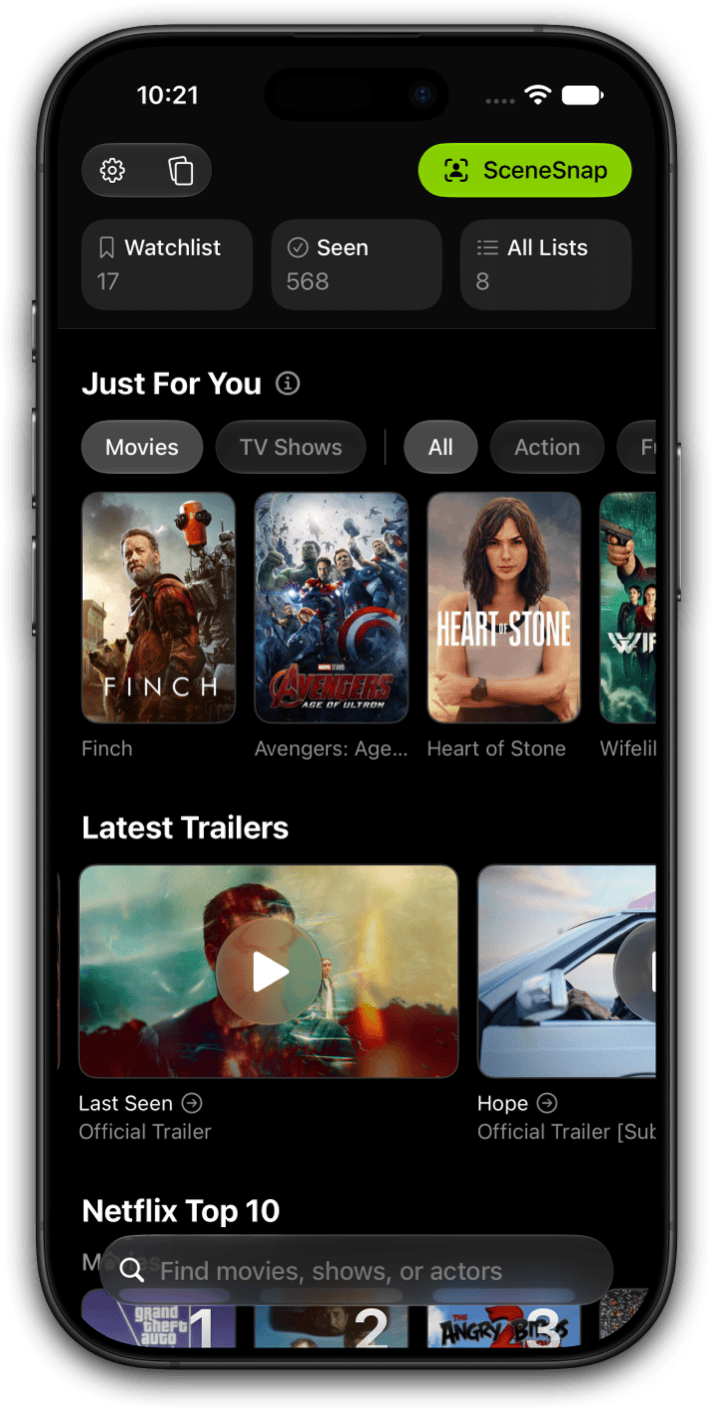
The framework is tool-agnostic, but I built Limelight specifically because nothing I tried before it handled this well. The custom list feature in Limelight+ creates the four buckets directly. Build four lists: Priority Now, Mood-Matched (with mood subcategories in the list name or notes field), Save for Later, and Seasonal. Use the built-in Watchlist as Save for Later if you'd prefer to reserve custom lists for the named buckets.
The habit that matters most: when you add a title, decide on the spot which bucket it belongs in. Don't default to Save for Later for everything. The act of deciding at the moment of discovery is itself a useful filter. If you can't quickly decide which bucket a title belongs in, it probably belongs in Save for Later by default. If it clearly belongs in Priority Now, it goes there and something else comes out.
For the weekly prune, a recurring Sunday evening reminder works well. Five minutes, one habit. Without the reminder, the prune slides and Priority Now accumulates stale titles until the whole system stops working.
Build your four-bucket system in Limelight
Limelight keeps your Watchlist separate from your Seen List, and Limelight+ adds custom lists for your buckets and QuickSort to mark what you've seen with a swipe. Free to download on iPhone, iPad, and Mac.

What is the one rule that makes everything else work?
Watch at least one thing from Priority Now every week. Not finish it, not necessarily love it. Just start something from the list. The system only works if it produces actual watching. If you've been adding titles steadily and not watching anything from Priority Now, that's the signal to audit the list rather than add more to it.
The deeper point: the goal of a watchlist system is not an orderly list. It's more of the good stuff and less of the regret that comes from spending an hour scrolling and then rewatching something you've already seen three times. The system is a means to an end, and the end is sitting down and watching something you actually wanted to watch. If the system stops producing that, adjust the system.

I've run this system for long enough that it feels like the natural shape of a watchlist rather than a workaround. Priority Now is the only list I open on a given night. Save for Later is where things go when I'm not ready to decide. The three-month rule handles the rest. The weekly prune is the five minutes that keeps everything current. None of it is complicated, which is the only kind of system that actually survives contact with a Tuesday night when you're tired and would genuinely rather just rewatch something comfortable. If you want a structure that goes beyond the watchlist into deliberate annual goals, watching across decades, countries, and directors with intention, the 52-film challenge is the natural next layer on top of this system.
A Watchlist that works with a real system behind it
Limelight handles your Watchlist and Seen List. Limelight+ adds custom lists for your buckets and QuickSort.
Frequently asked questions
Around 20 to 40 titles across all mood subcategories is the range where Mood-Matched stays useful. If it grows past 60, apply the same three-month rule: anything you have not promoted to Priority Now in three months gets cut. Mood-Matched should feel like a curated shelf, not a second pile.
Yes, the same framework applies. TV shows often naturally fall into Seasonal for limited series during awards season, or into Mood-Matched for long-running comfort rewatches. Priority Now for TV may hold fewer items than it does for films, since finishing a season takes longer than finishing a movie. One show at a time in Priority Now is a reasonable constraint.
Create shared Mood-Matched and Seasonal buckets, but keep Priority Now personal. Each person maintains their own five-title list, and negotiation happens at the moment of choosing rather than at the moment of adding. This prevents one person's additions from crowding out another's priorities, which is the most common shared-watchlist failure mode.
That's the prune signal, not permission to scroll endlessly. Run a quick mini-prune on the spot: move anything that doesn't feel right out of Priority Now and pull something from Mood-Matched to replace it. If nothing from Mood-Matched sounds right either, tonight is a rewatch night, and that's a completely fine outcome.
No. Logging finished titles is a different function from tracking what you want to watch. Keeping them separate means neither list gets cluttered with completed items. Limelight's Seen List handles watched history independently from the Watchlist, which is the right architecture for exactly this reason.