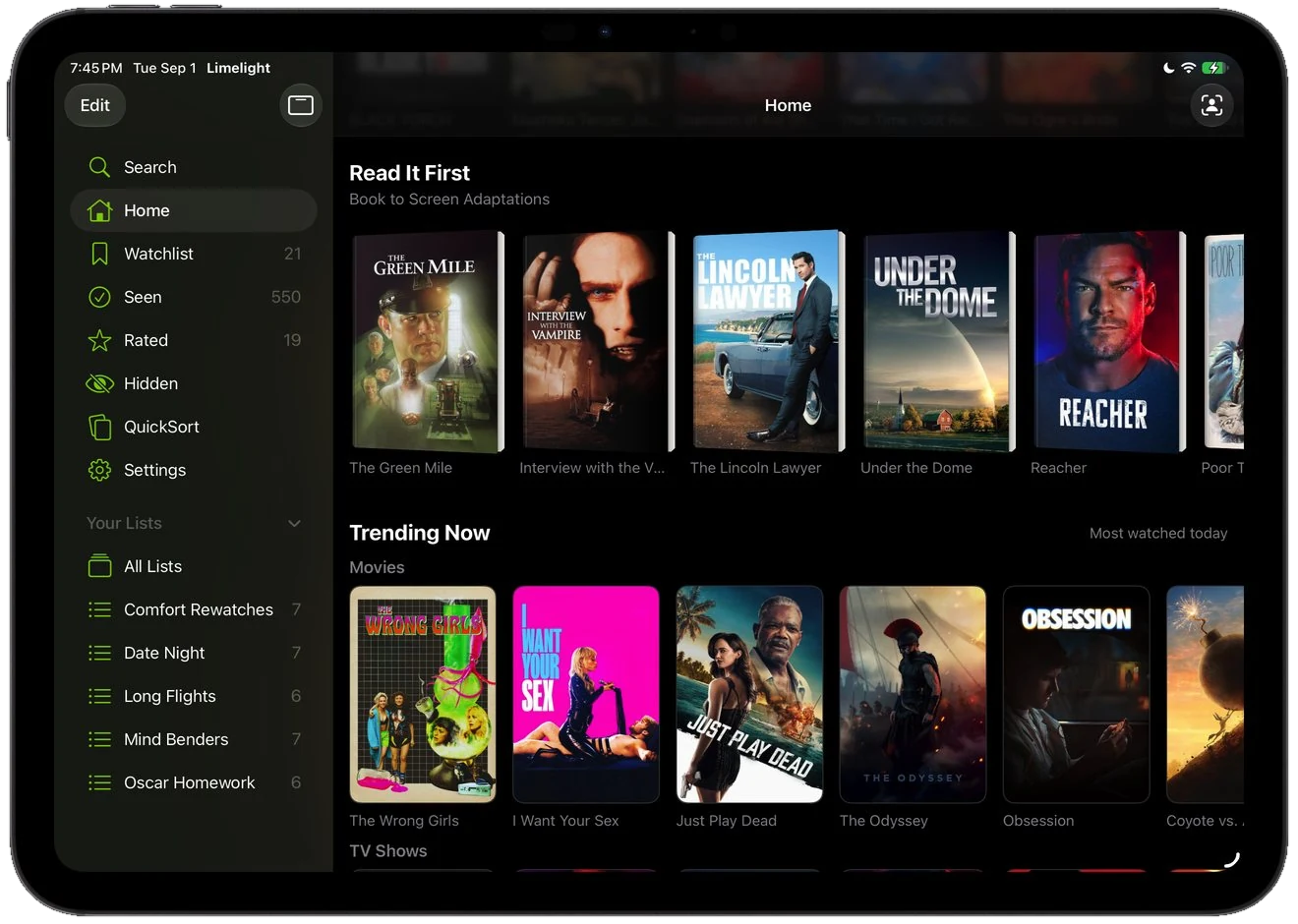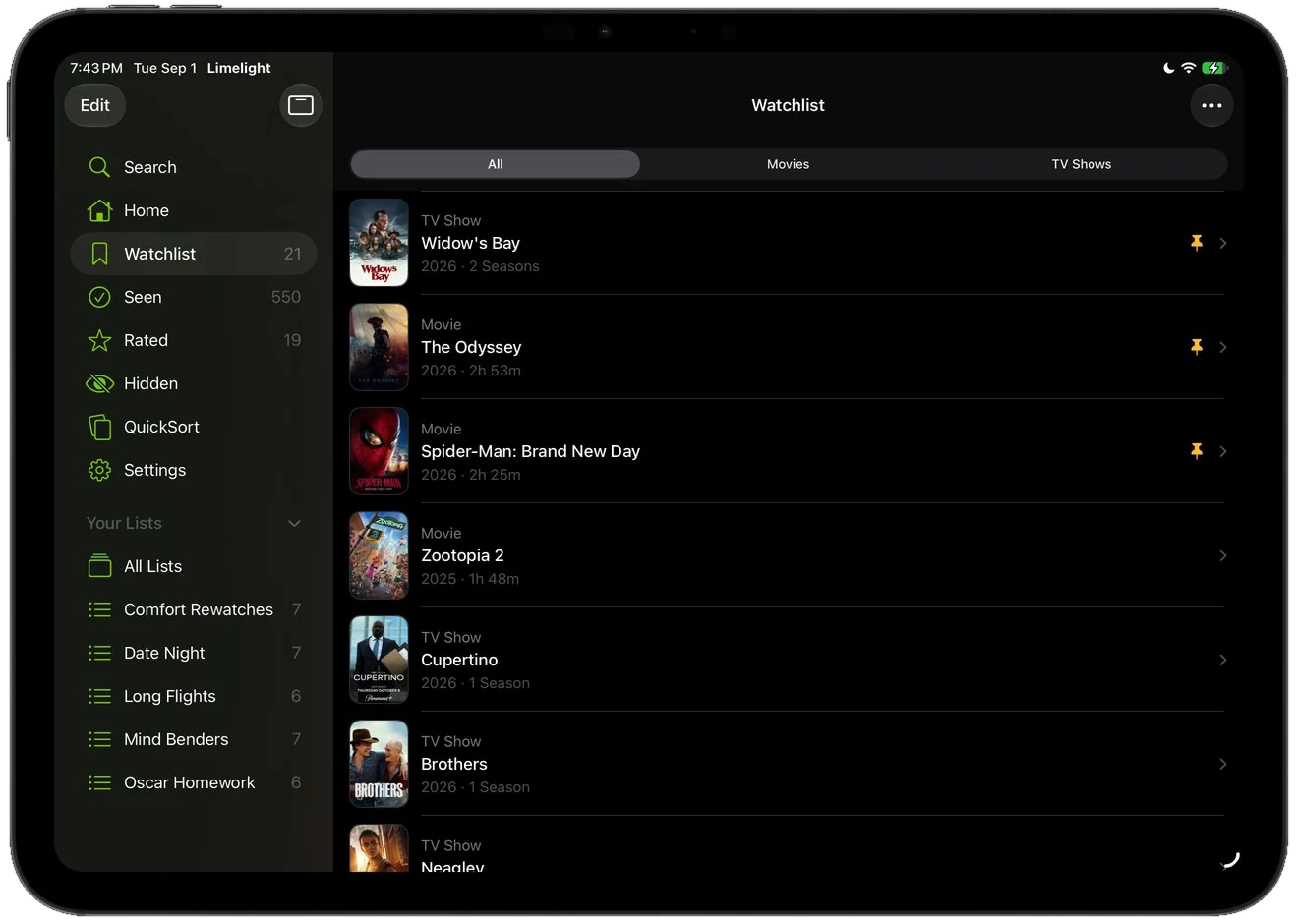
Layout
A sidebar, not a stretched phone app
Your watchlist, seen list, rated titles, and custom lists sit in a sidebar while the content fills the rest of the screen. Split View and narrow widths each get their own layout.
Limelight for iPad
Find any movie or show, see where it streams, save it to your watchlist, and keep track of what you have seen. Free, privacy focused with no ads.

Layout
Your watchlist, seen list, rated titles, and custom lists sit in a sidebar while the content fills the rest of the screen. Split View and narrow widths each get their own layout.
Search
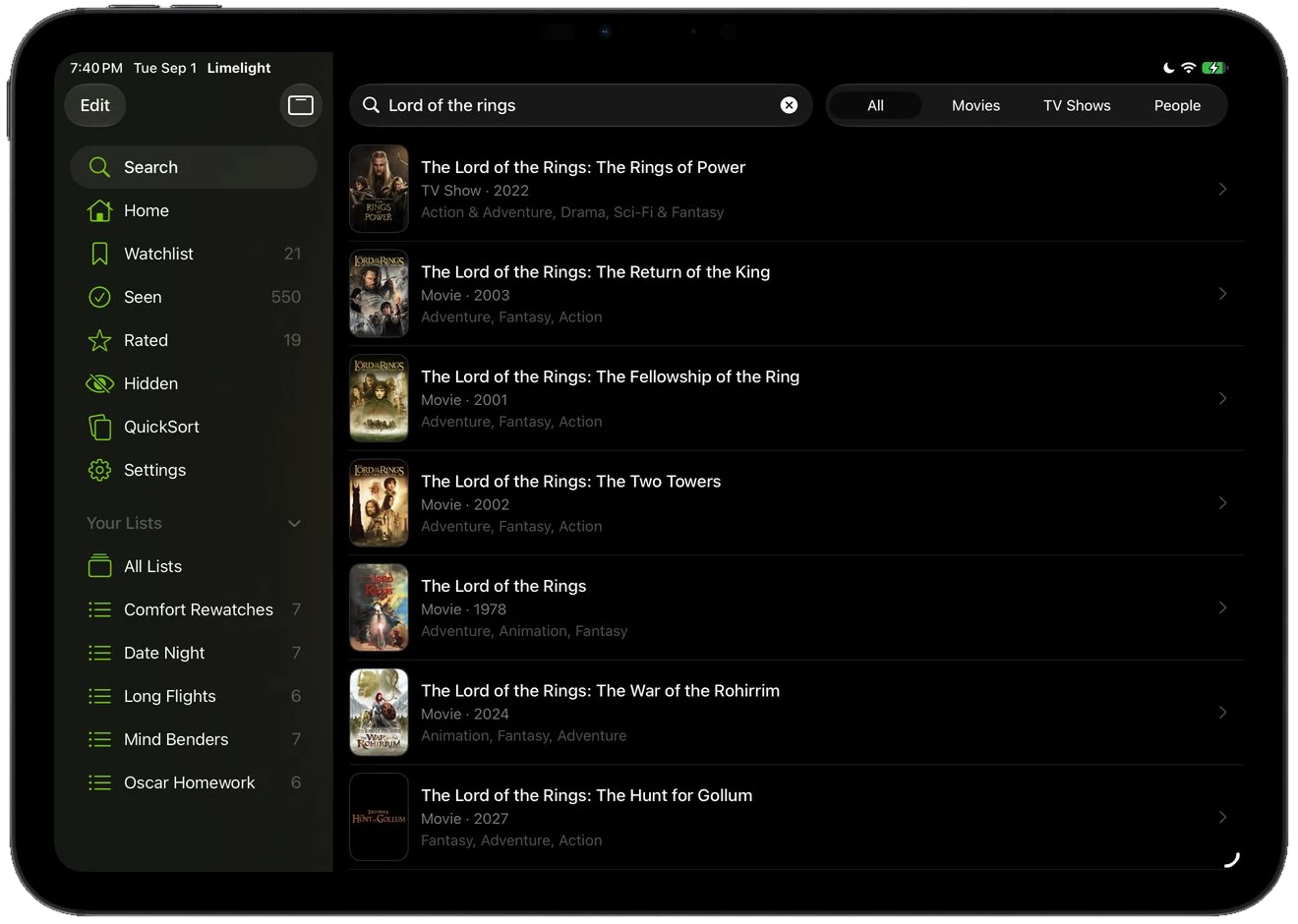
Search by title or by the people in it, and narrow to movies, shows, or cast as you type. Every result carries a poster, a year, and genres, so two remakes never look alike.
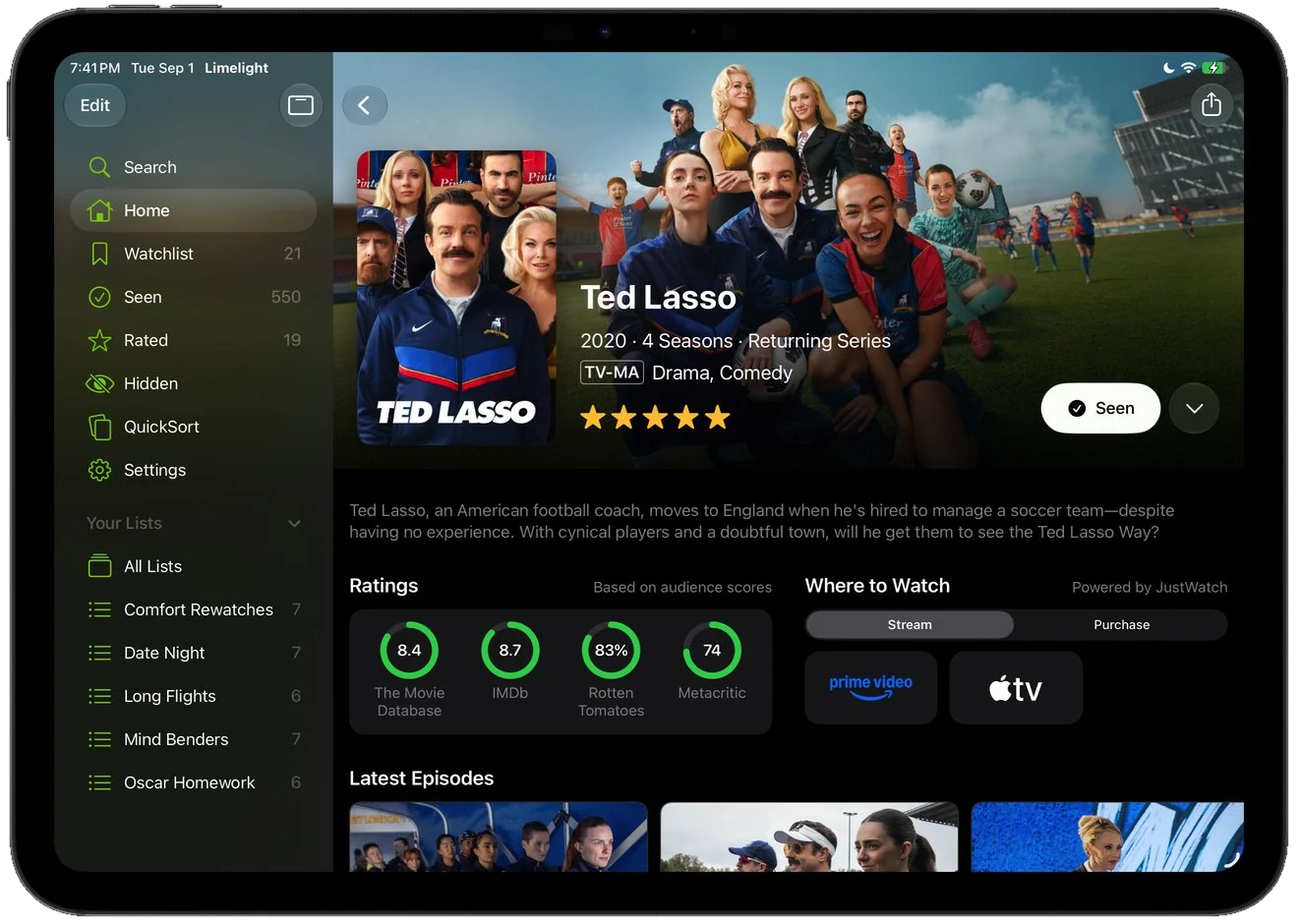
Detail pages
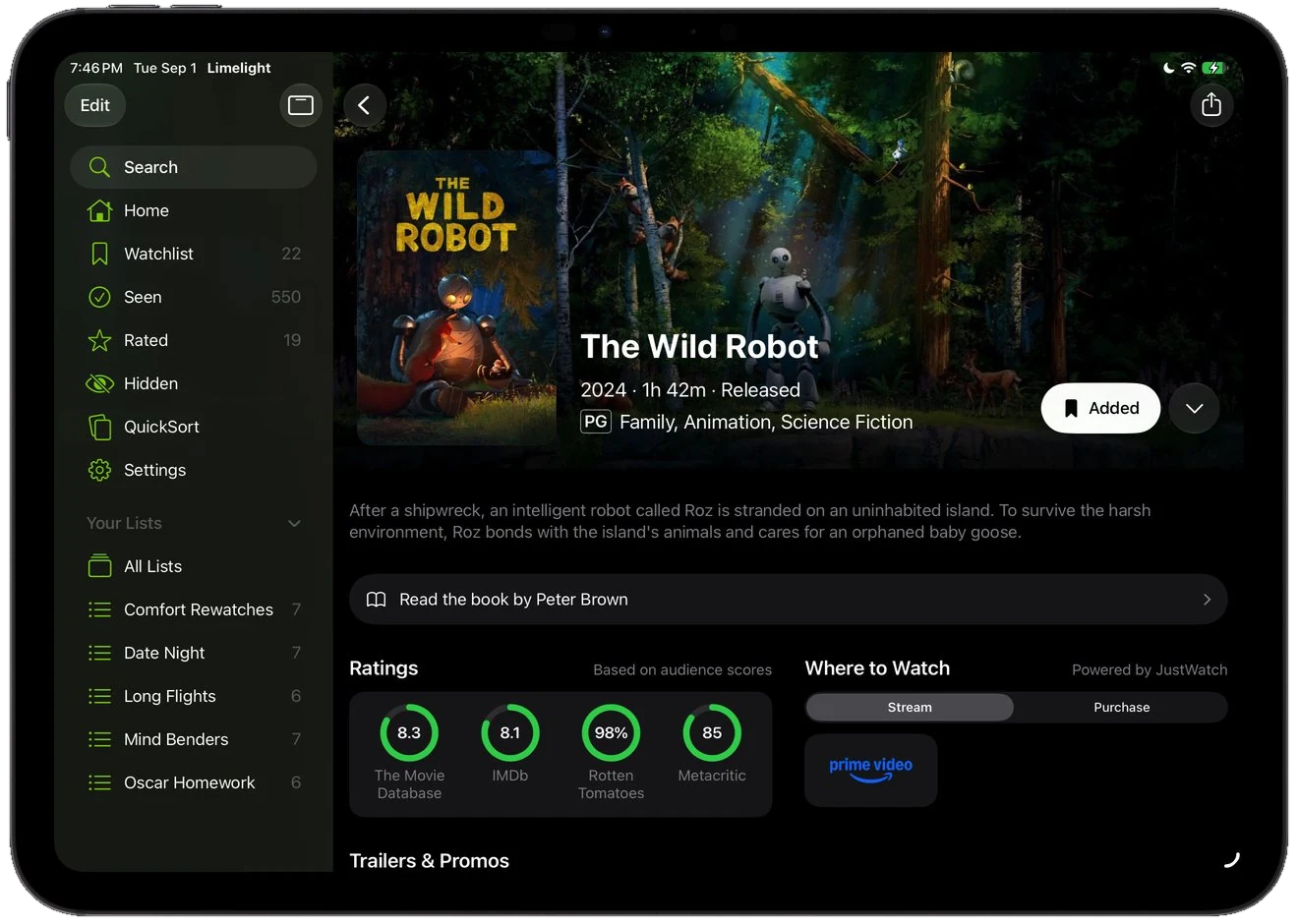
One page carries where it streams in your country, ratings from four sources with Limelight+, the latest episodes, the full cast, and the trailer, so nothing sends you off to look it up elsewhere.
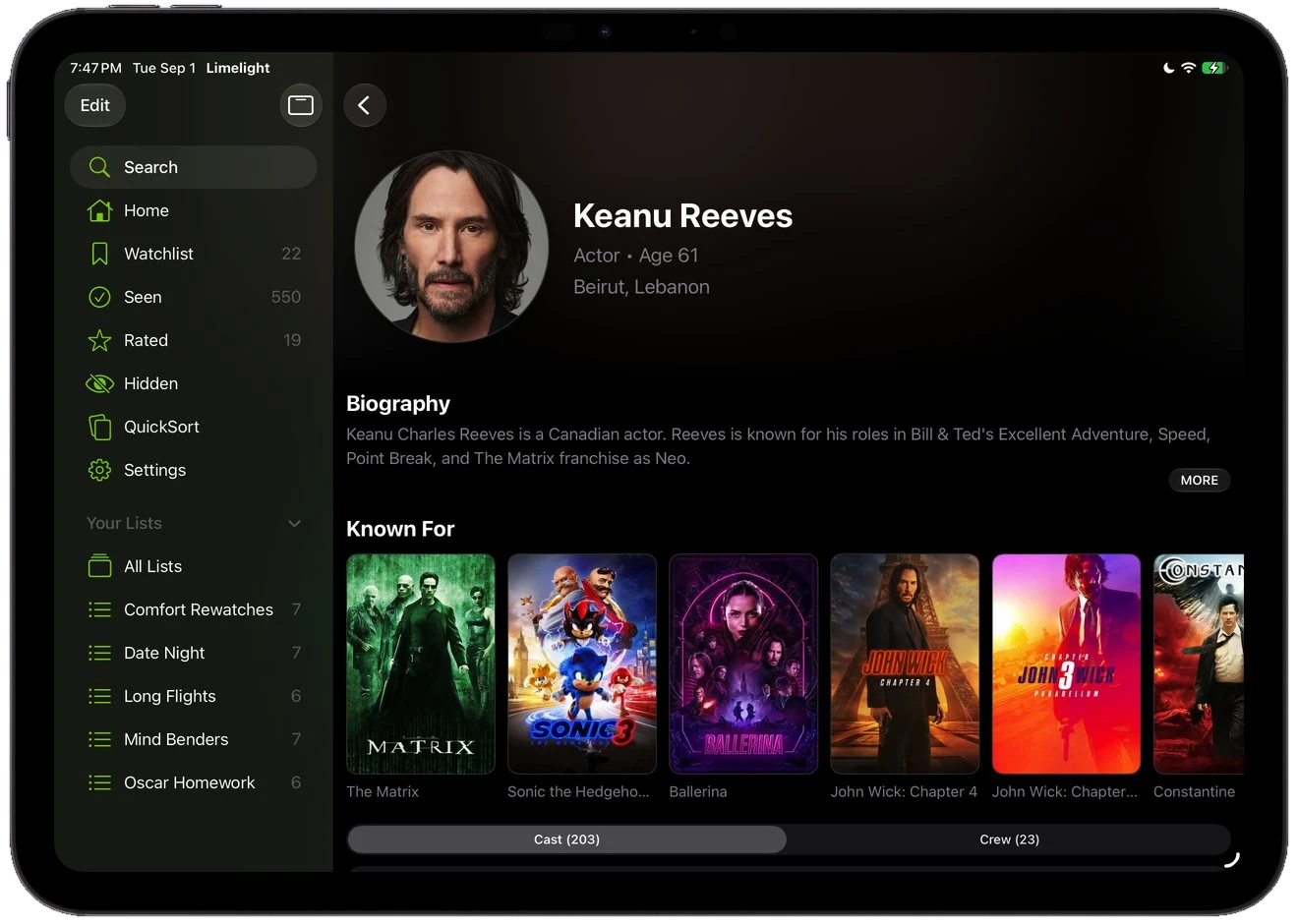
People
Tap any actor or director for a biography, an age, and a full filmography, laid out as a poster grid you can scan in seconds rather than a list you have to read through.
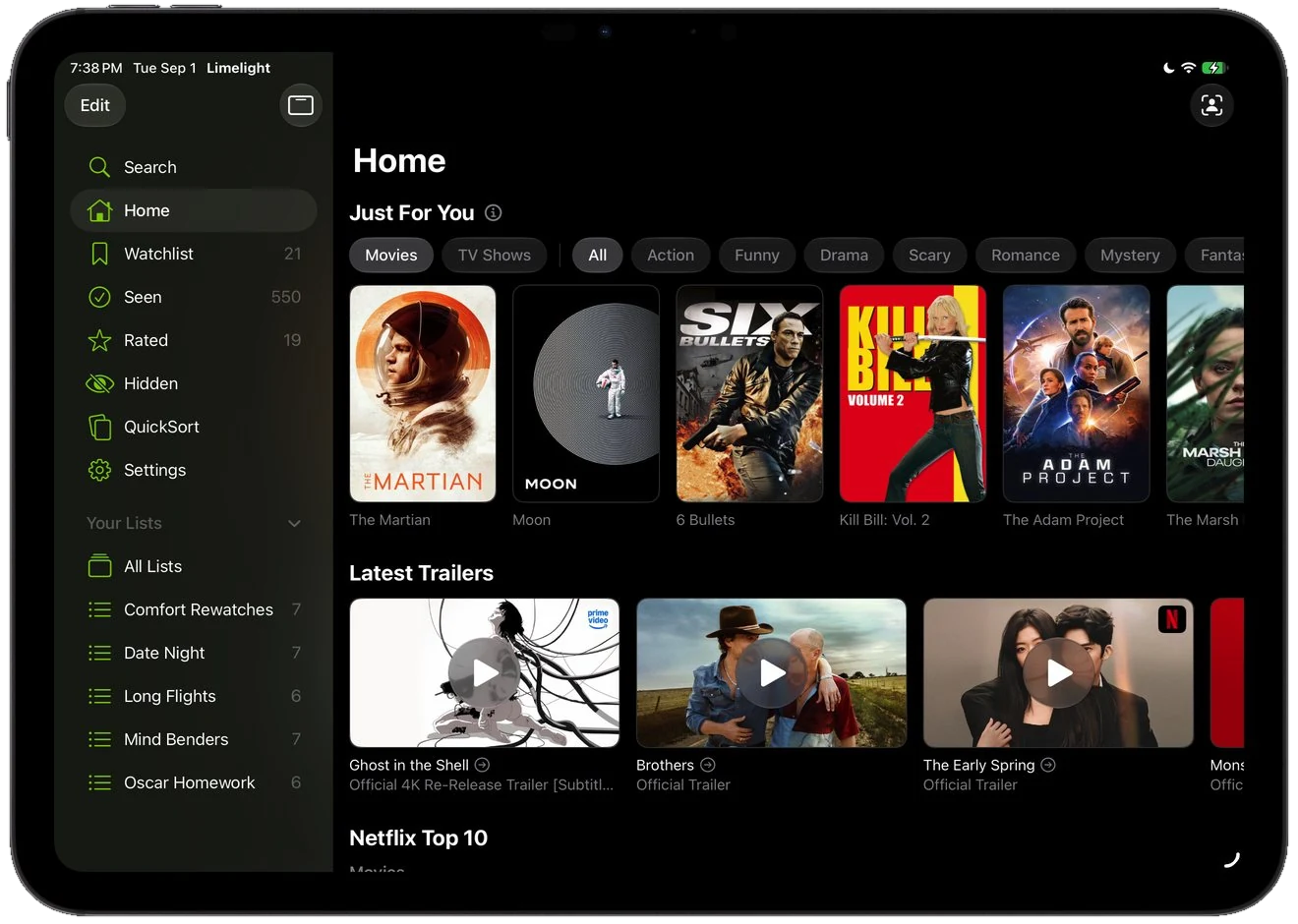
Discover
Just For You builds from what you rate and sort, and sits alongside the latest trailers on one screen. The more you tell it, the less it suggests things you have already seen.
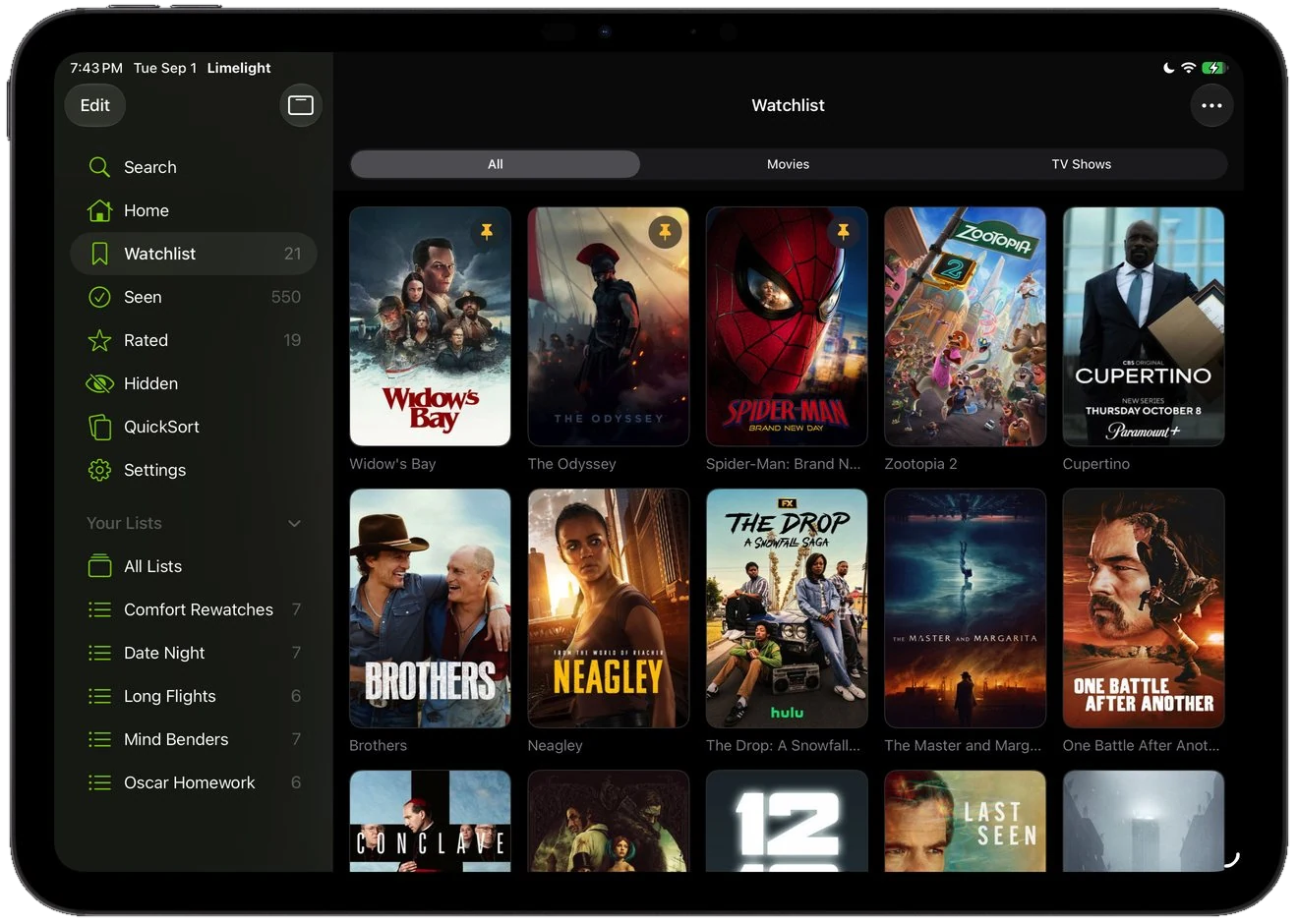
Grid view
Switch any list to a poster grid and a whole shelf lands at once. Covers are quicker to scan than titles, so the film you half remember turns up before you have finished looking.
Open two Limelight windows side by side, or one next to another app.
Search, navigate, and sort without lifting your hands from the keys.
Your watchlist and what's trending on the iPad home screen, in three sizes.
Netflix, Prime Video, Apple TV, and more, ranked for your country. Part of Limelight+.
New episodes, theater openings, and arrivals on the services you pay for. Part of Limelight+.
One library across iPhone, iPad, and Mac, kept in your own TMDB account.
Yes. Limelight has a dedicated iPad layout with a sidebar, keyboard shortcuts, arrow-key navigation, pointer and hover support, and multi-window support. It is the same app as on iPhone, so there is nothing extra to buy.
Yes. Menu items carry keyboard shortcuts, and the arrow keys move through grids and QuickSort. With a Magic Keyboard or trackpad, posters, tiles, and rows respond to the pointer and to hover.
Yes. QuickSort and the rest of the app adapt their layout to narrow widths, so Limelight works in Split View next to another app, and you can open more than one Limelight window.
Limelight requires iPadOS 26 or later, so it runs on any iPad that can install iPadOS 26.
Yes. Limelight+ is a subscription on your Apple Account, so one subscription covers iPhone, iPad, and Mac.
Yes. The download is free. Search, streaming availability, the TMDB score, your Watchlist, Seen List, Rated List, trailers, cast and crew, recommendations, and book adaptations are all free. So are sharing and sync. No ads, privacy focused. Limelight+ adds release notifications, SceneSnap, QuickSort, streaming Top 10s, and ratings from Rotten Tomatoes, IMDb, and Metacritic. It also adds custom lists, pinned items, the option to hide titles, and alternate app icons. Limelight+ is $4.99 a month, or $24.99 a year with a 7-day free trial.
Free on the App Store, privacy focused with no ads. Sign in and the library from your iPhone is already there.