Native app
A real Mac app, from the Mac App Store
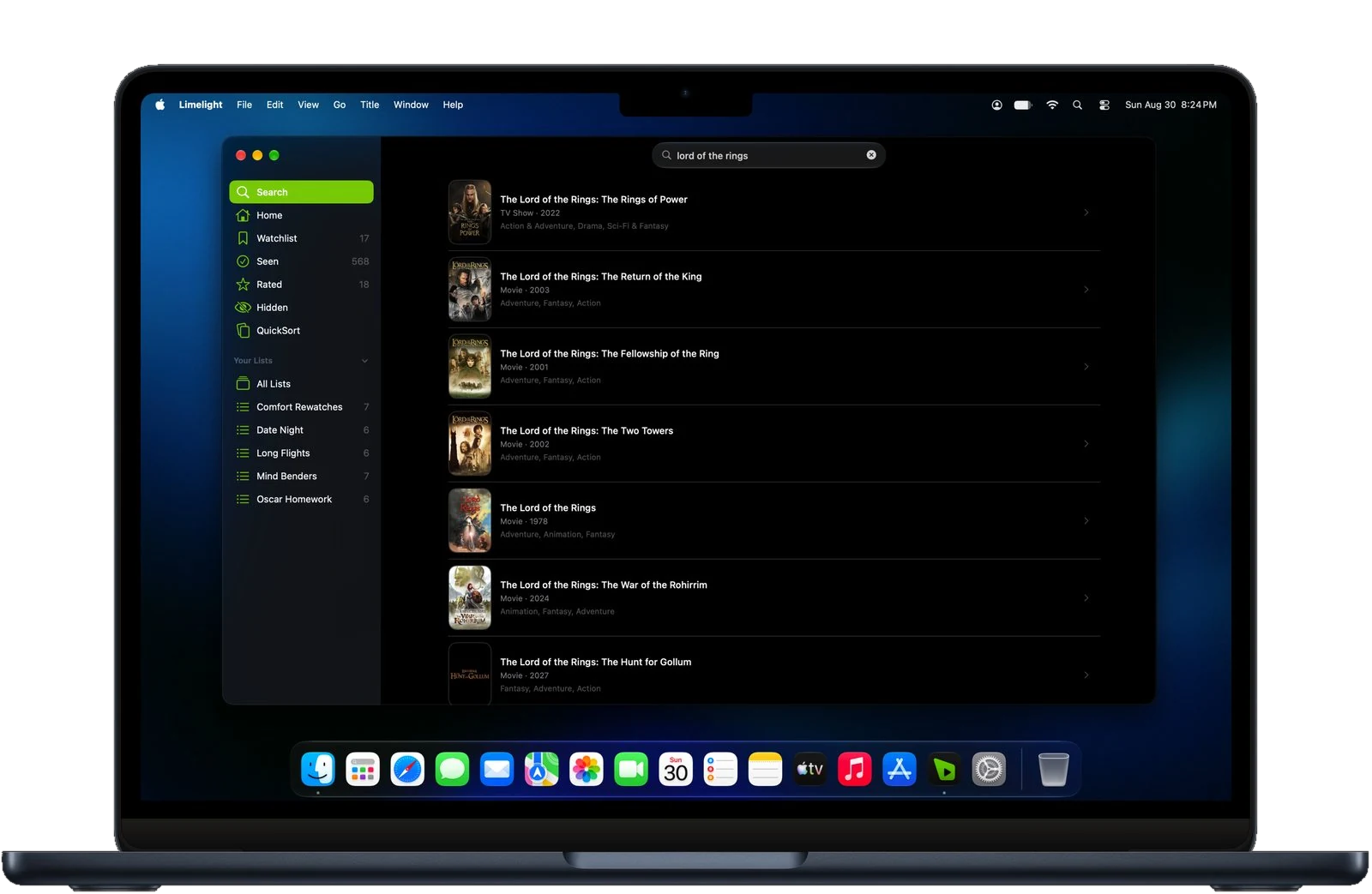
A real Mac app from the Mac App Store, with a menu bar, keyboard shortcuts, resizable windows, and macOS notifications. It updates alongside the rest of your apps.
Limelight for Mac
Track what you want to watch, see where it streams, rate what you have seen, and pick up where you left off. Free, privacy focused with no ads.

Native app
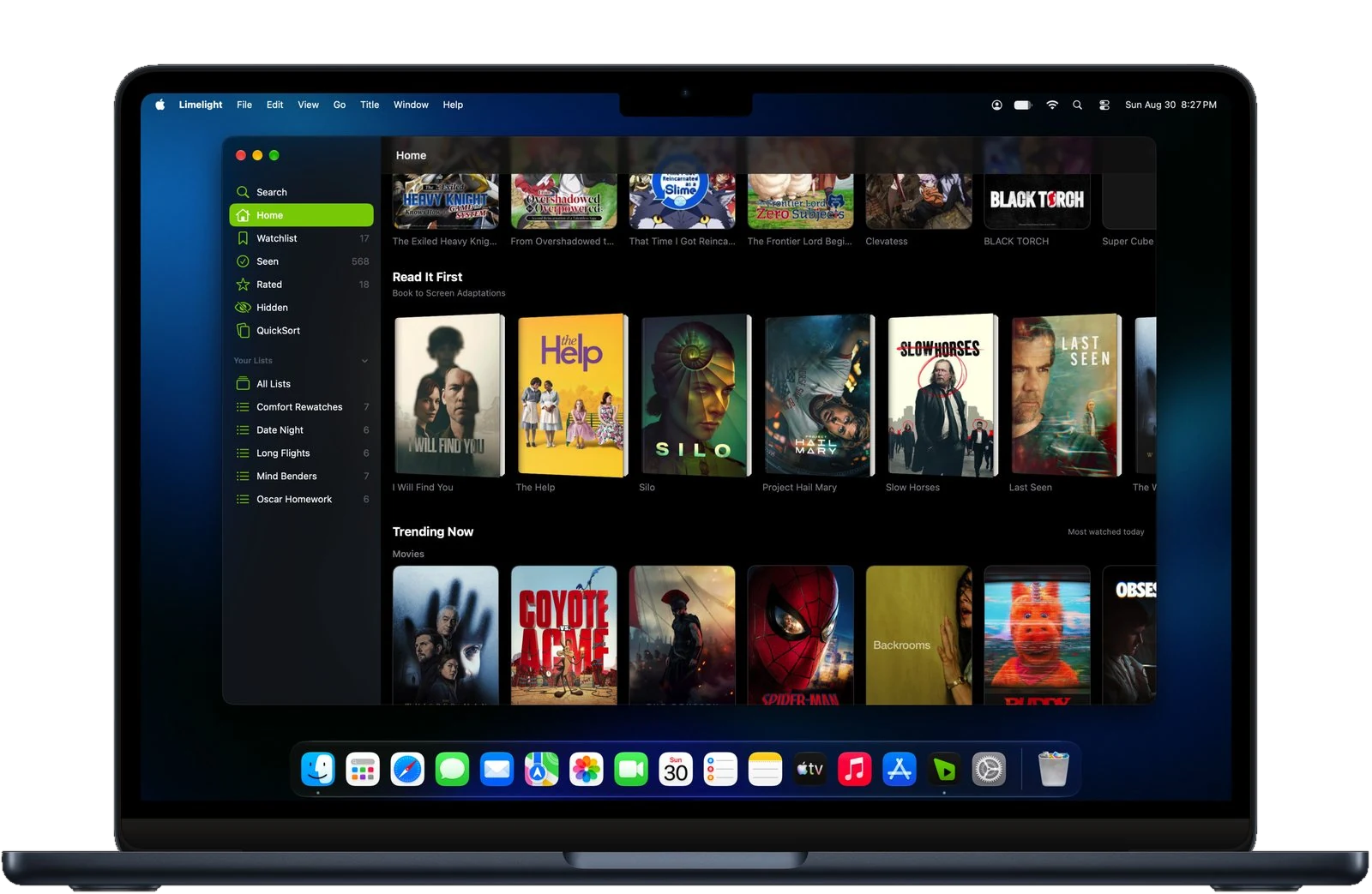
A real Mac app from the Mac App Store, with a menu bar, keyboard shortcuts, resizable windows, and macOS notifications. It updates alongside the rest of your apps.
Top 10s
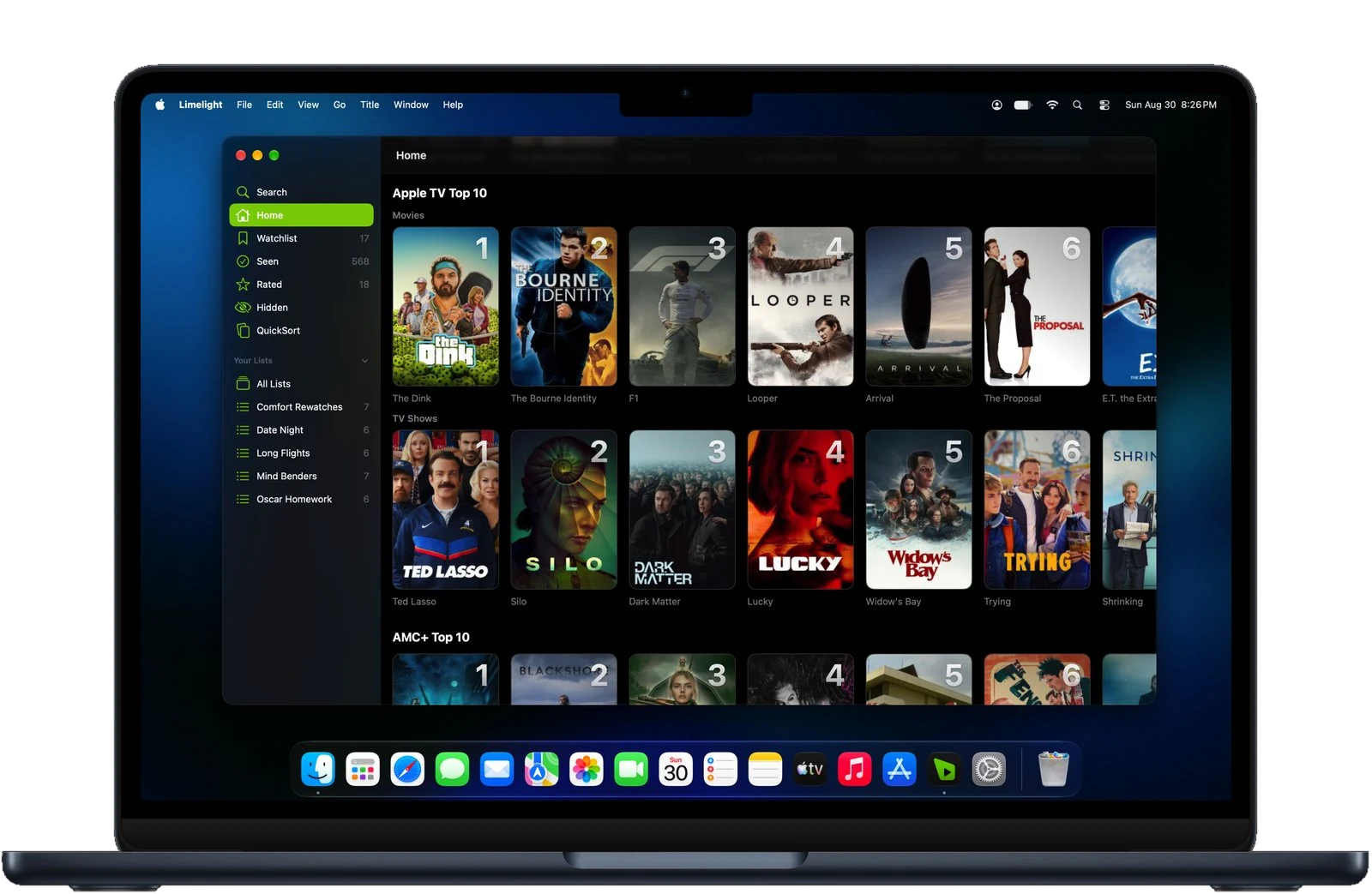
Netflix, Apple TV, Prime Video, and more, ranked for your country and refreshed daily, so you can see what is climbing without opening each service to go and check. Part of Limelight+.
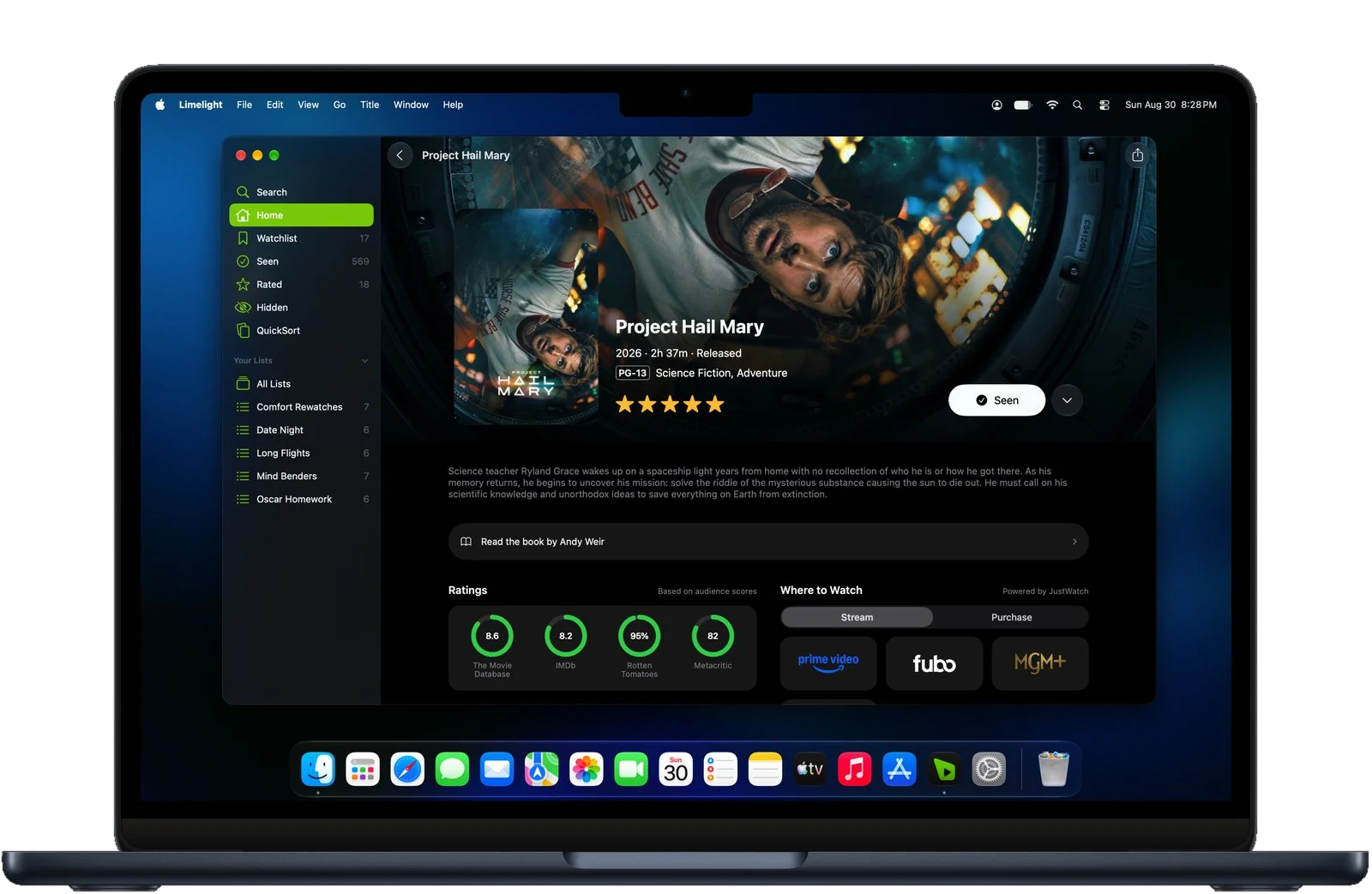
Detail pages
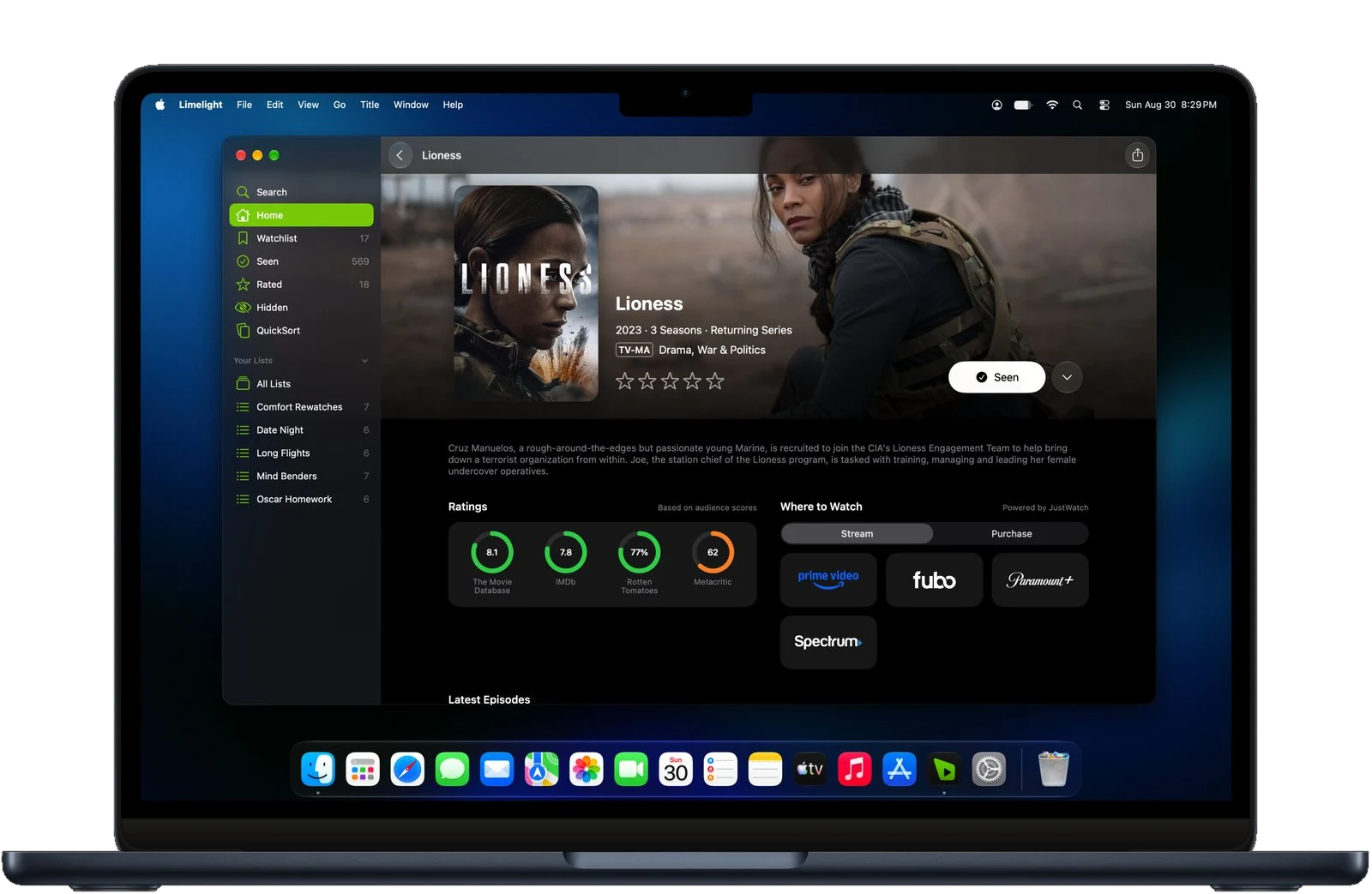
Where a title streams in your country, ratings from four sources with Limelight+, the latest episodes, the full cast, and the trailer, gathered on one page instead of five browser tabs.
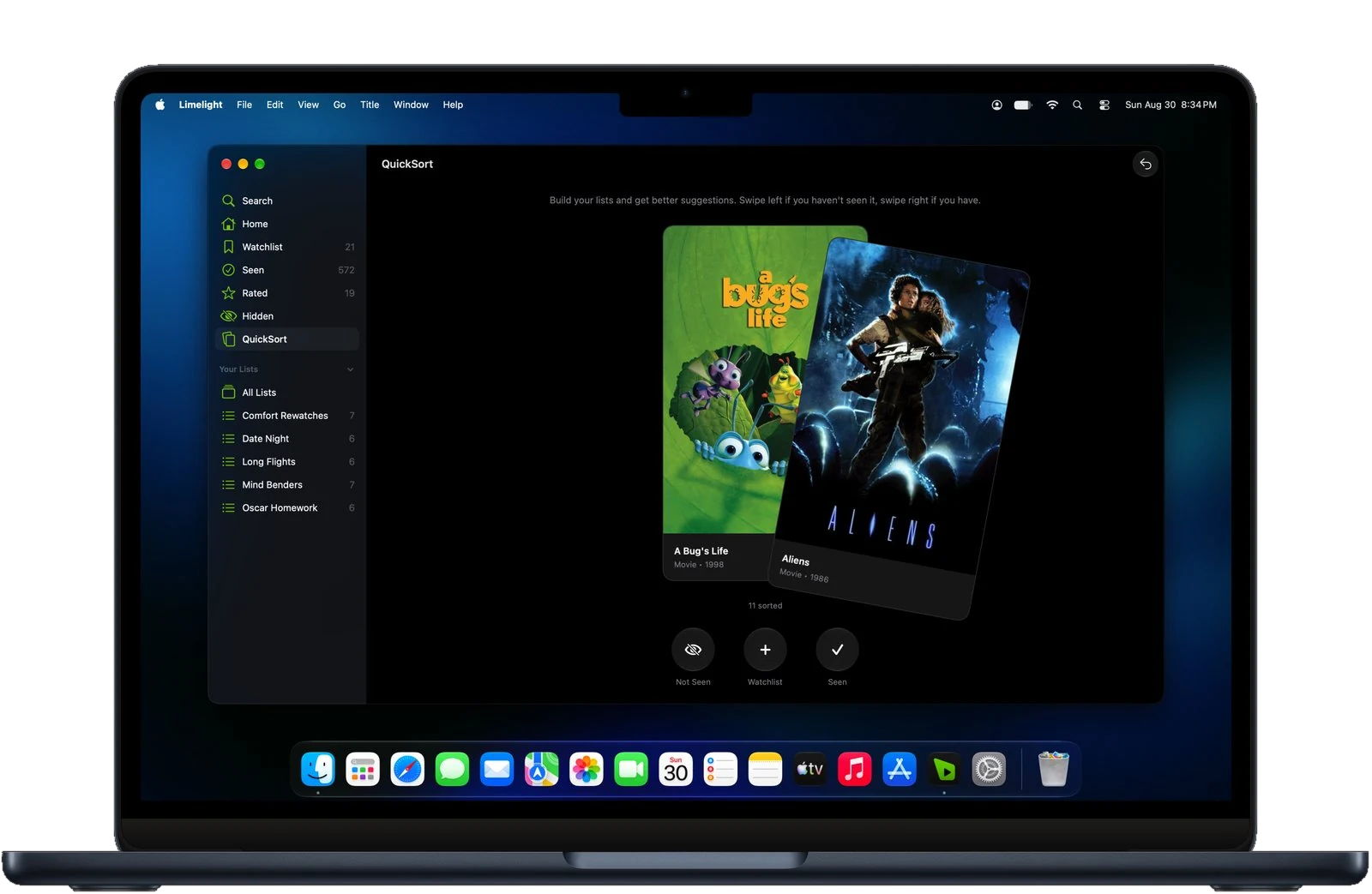
QuickSort
Mark titles seen or not seen in seconds and undo when you change your mind. Every answer feeds Just For You, so the picks move closer to your taste each time you sort. Part of Limelight+.
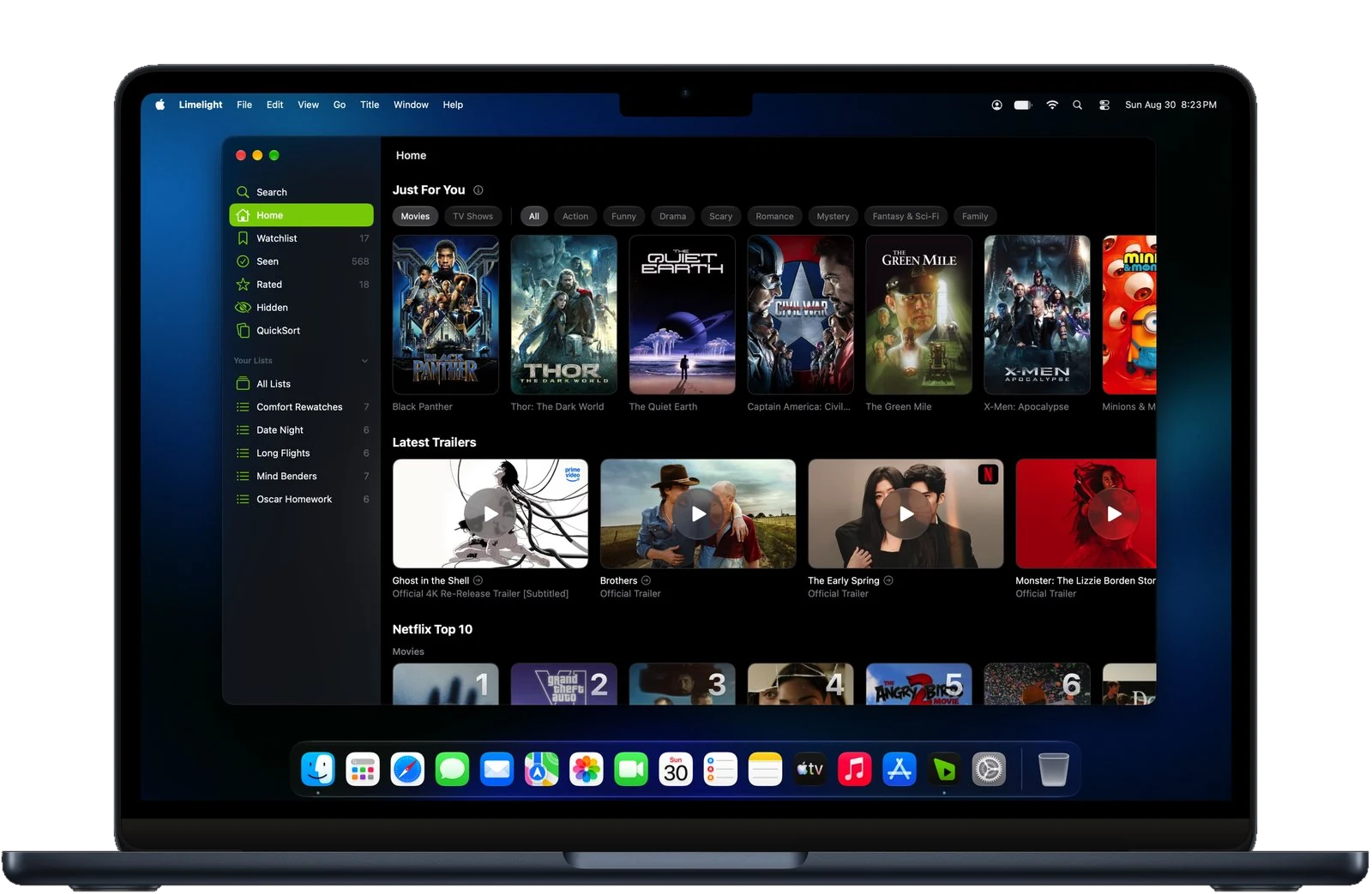
Just For You
Just For You reads what you have rated and sorted rather than what is popular this week, so the row changes as your taste does instead of showing everyone the same titles.
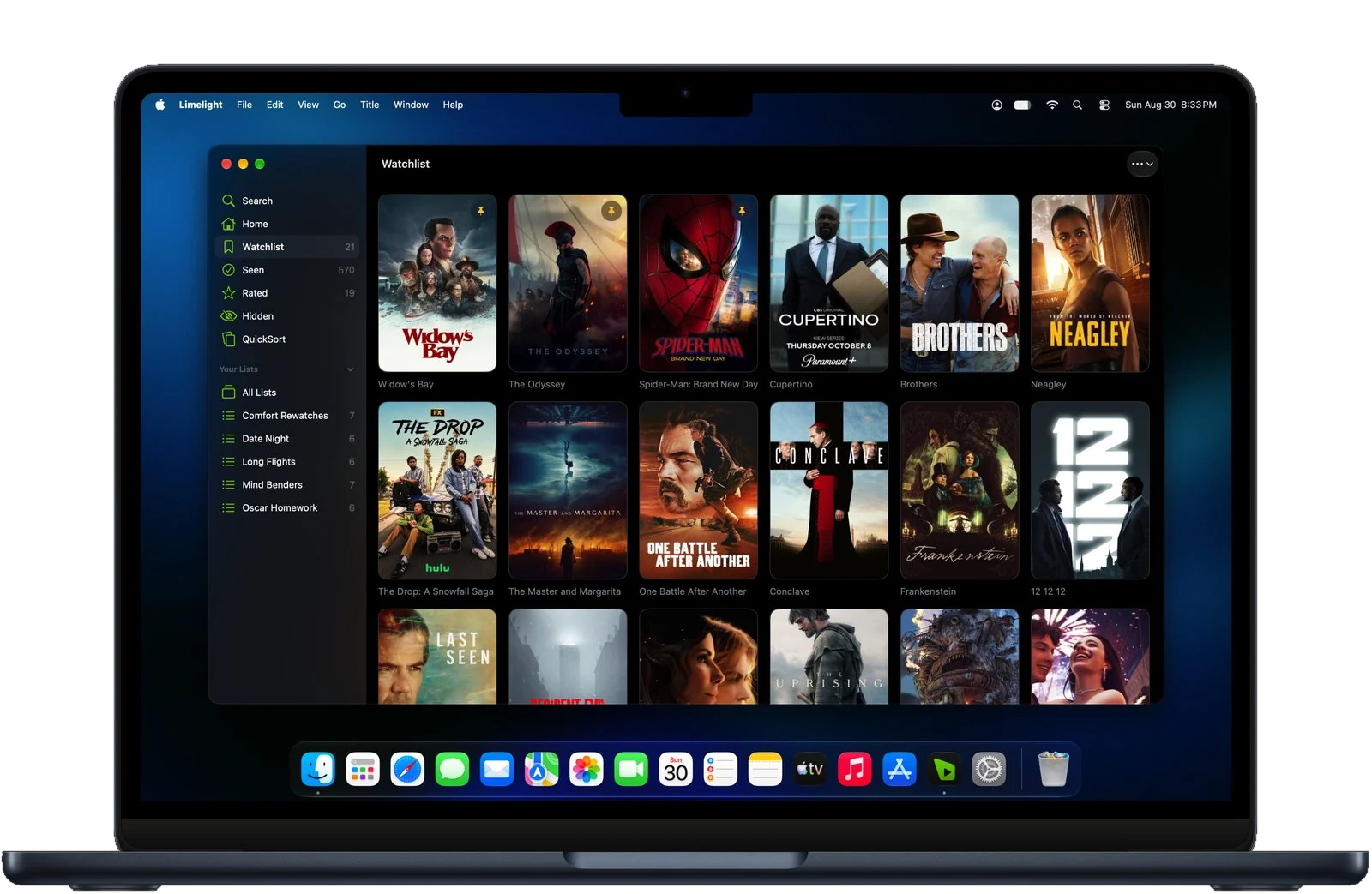
Lists
Everything you have saved, watched, rated, or grouped into a list of your own, kept in one place and synced to iPhone and iPad so it reads the same on every device.
Shortcuts for search, lists, and sorting, plus arrow keys through every grid.
Biography, age, and full filmography for any actor or director.
macOS notifications for new episodes, theater openings, and streaming arrivals. Part of Limelight+.
Follows your Mac's appearance, or pick one in Settings.
Save on the Mac and it's on your iPhone before you leave the desk.
Yes. Limelight runs natively on the Mac and installs from the Mac App Store. It has a menu bar, keyboard shortcuts, resizable windows, and macOS notifications, and it uses the same library as your iPhone and iPad.
No. Limelight is built for the Mac, with a sidebar, menu bar commands, keyboard shortcuts, and layouts that use the width of a Mac display. It is the same app and the same account as on iPhone and iPad.
No. Limelight is a native app for iPhone, iPad, and Mac. This website has the What to watch quiz and the random movie picker, and every title has a public page with where to stream it, but your library lives in the app.
Yes. Your Watchlist, Seen List, Rated List, and custom lists are stored in your free account from The Movie Database (TMDB), so anything you save on the Mac is on your iPhone right away, and the other way round.
Yes. The download is free. Search, streaming availability, the TMDB score, your Watchlist, Seen List, Rated List, trailers, cast and crew, recommendations, and book adaptations are all free. So are sharing and sync. No ads, privacy focused. Limelight+ adds release notifications, QuickSort, streaming Top 10s, and ratings from Rotten Tomatoes, IMDb, and Metacritic. It also adds custom lists, pinned items, and the option to hide titles. Limelight+ is $4.99 a month, or $24.99 a year with a 7-day free trial. SceneSnap and alternate app icons are on iPhone and iPad. One Limelight+ subscription covers iPhone, iPad, and Mac.
Limelight is on the Mac App Store, and the listing shows the current macOS requirement. It is designed for the current version of macOS.
Free on the Mac App Store, privacy focused with no ads. The library from your iPhone is waiting when you sign in.